One home for ComfyUI and your other image apps, with one model folder and one pictures folder.
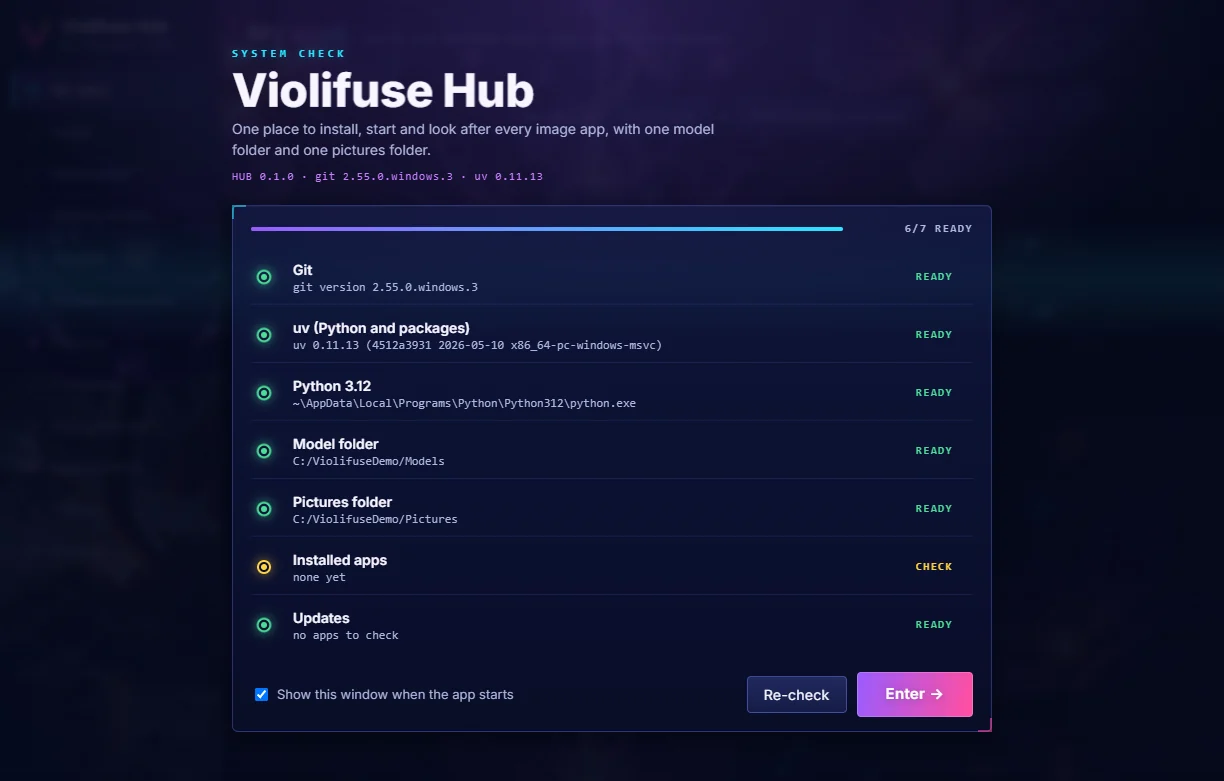
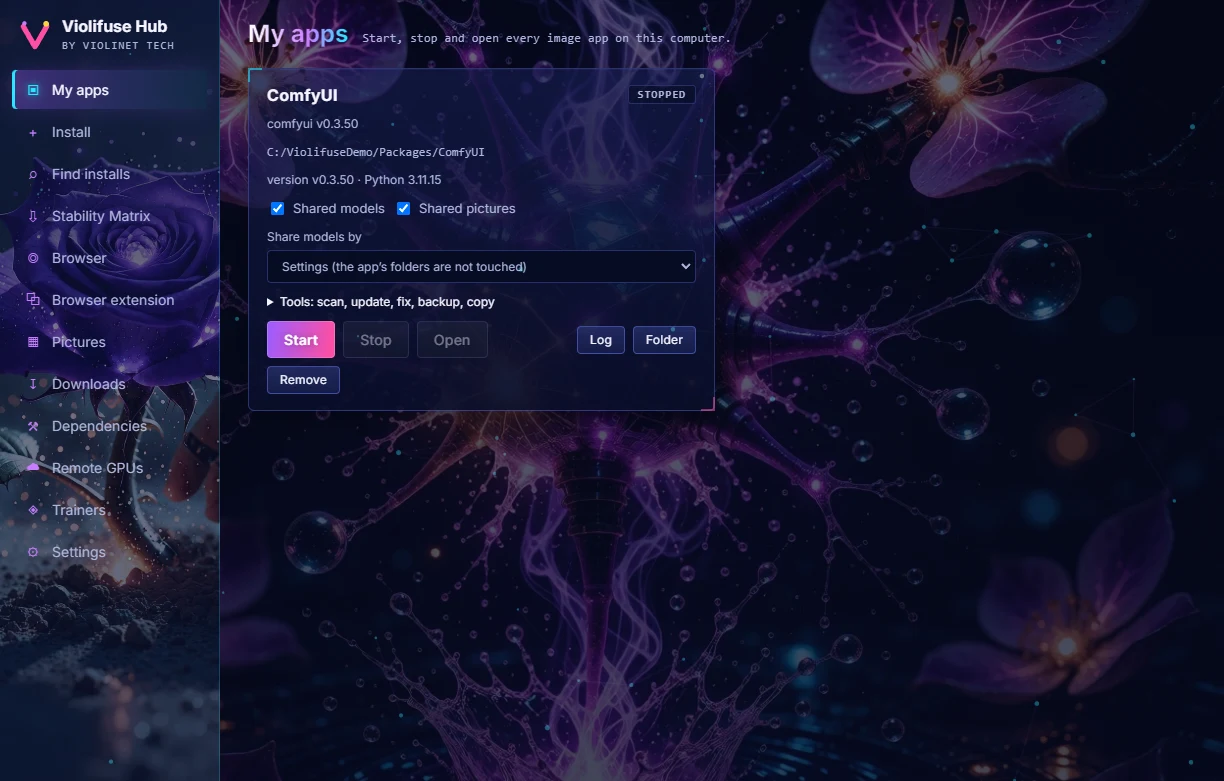
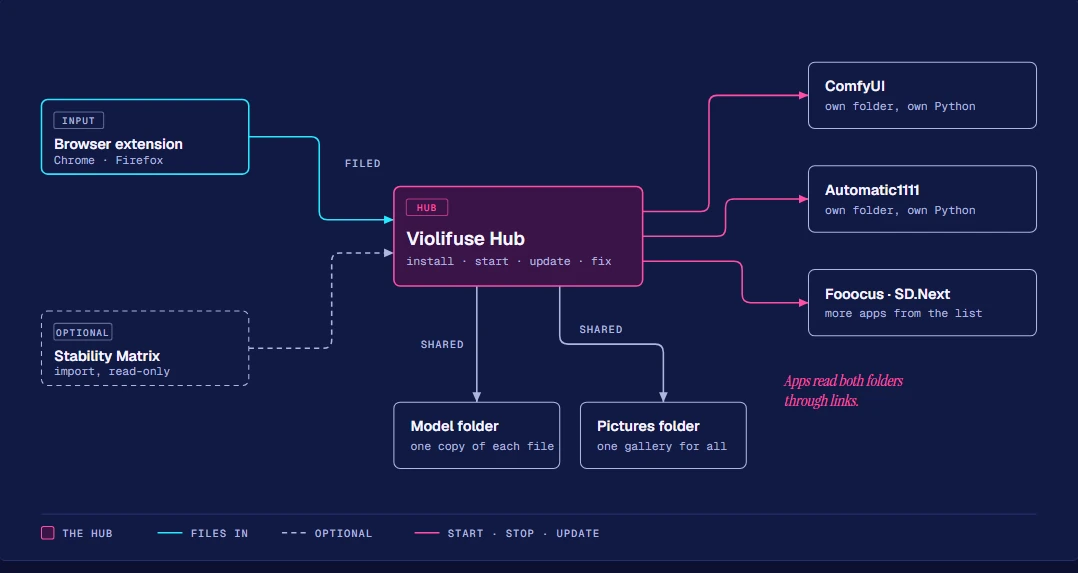
Violifuse Hub installs, starts and updates image apps such as ComfyUI, each in its own folder with its own Python, so fixing one never breaks another. Apps share one model folder through folder links and one pictures folder, so a file exists once. It imports a Stability Matrix library without changing it, has its own browser for CivitAI, Hugging Face and Tensor.art, and a Chrome and Firefox extension that files each model you download into the right folder. For every app it shows the version and can scan, update, fix errors, delete and reinstall, copy it to keep a version, and back it up. It opens on a system check that tells you what is missing and fixes what it can, and it keeps a list of remote GPU servers.
- Launch window: Git, uv, Python, folders and updates checked, with a fix button on each row
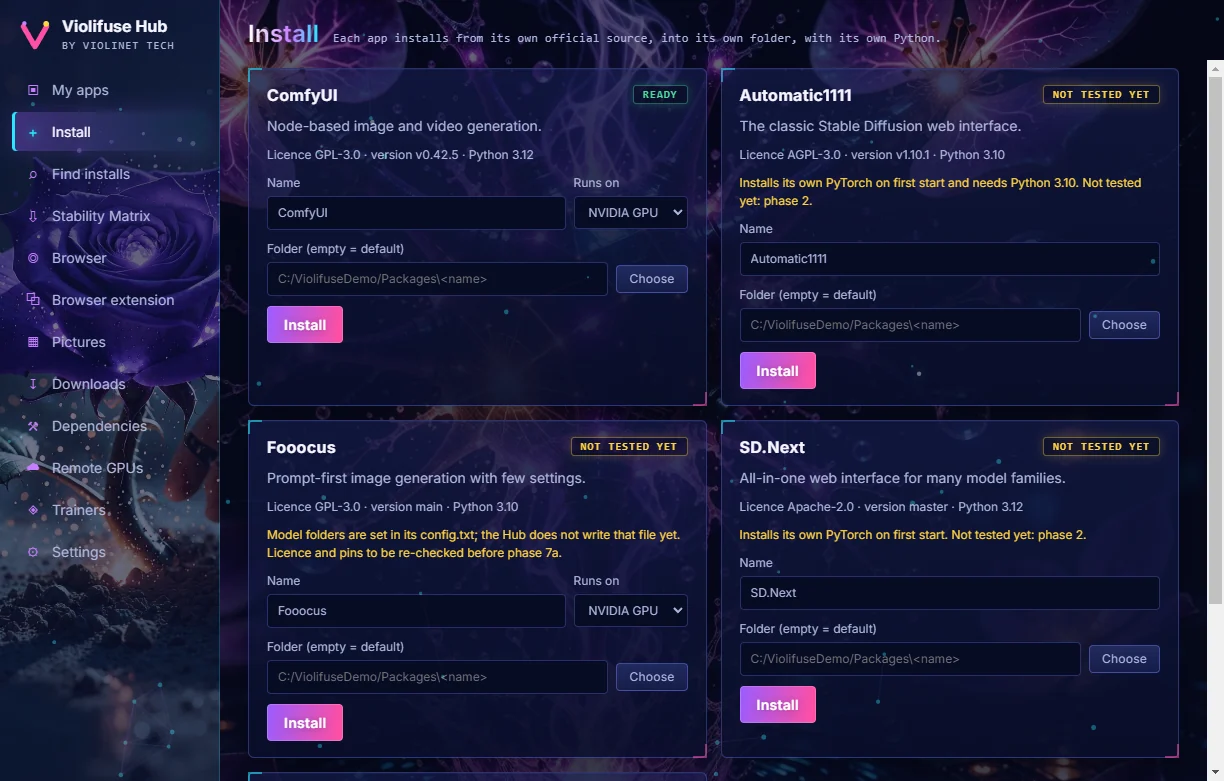
- Install and Find installs: each app from its own source, or add one you already have
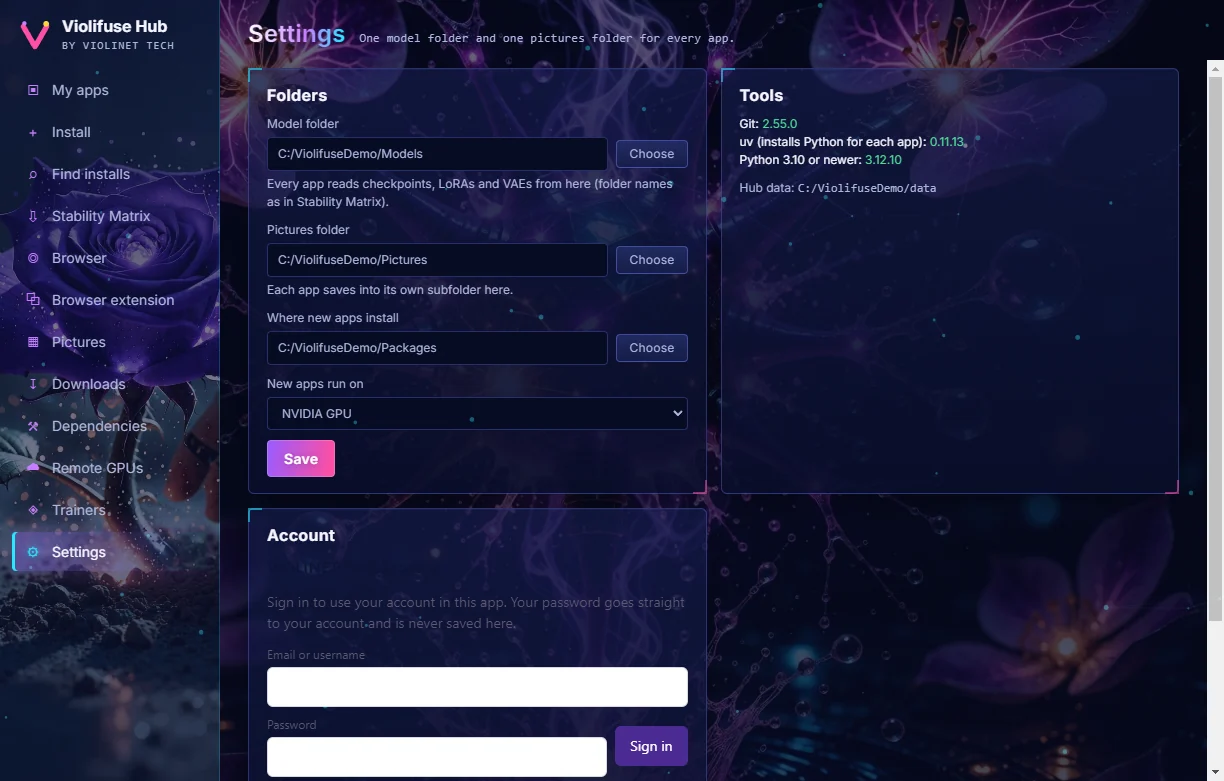
- One model folder and one pictures folder shared through folder links
- Stability Matrix import, read-only
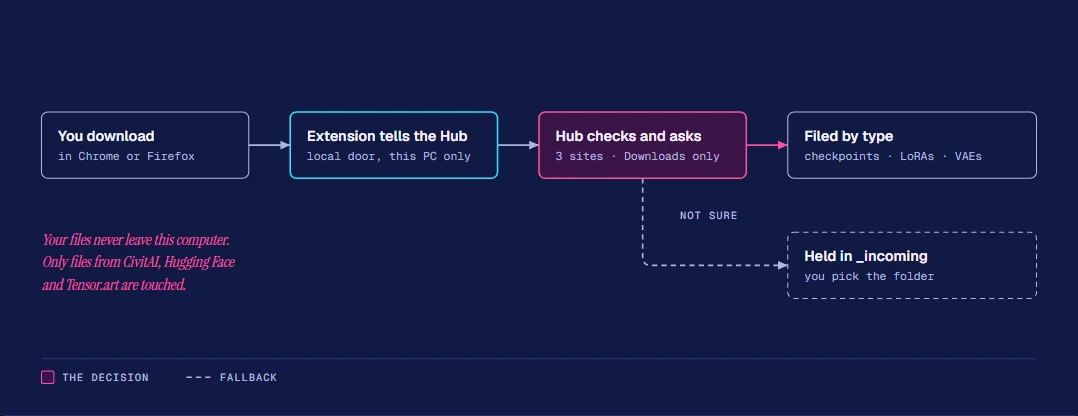
- Hub browser and Chrome and Firefox extension that file downloads by model type
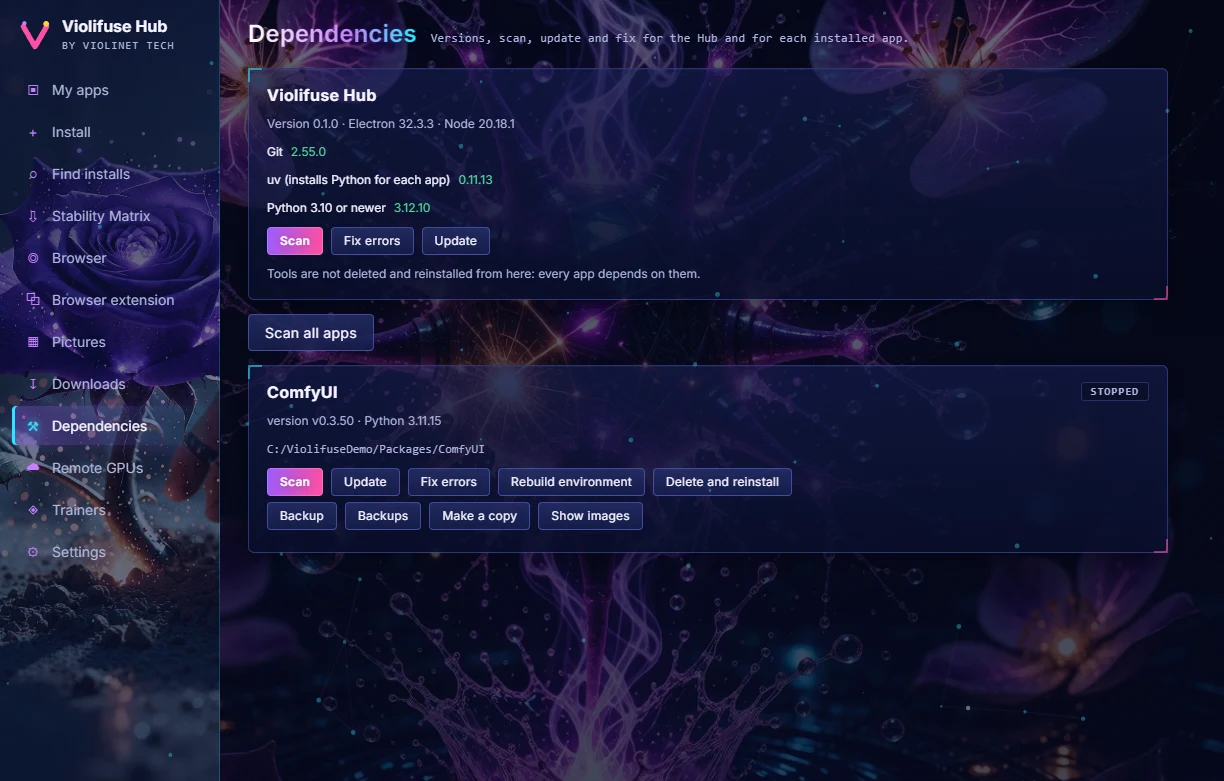
- Dependencies: scan, update, fix, delete and reinstall, copy as a version, backup, and a gallery per app
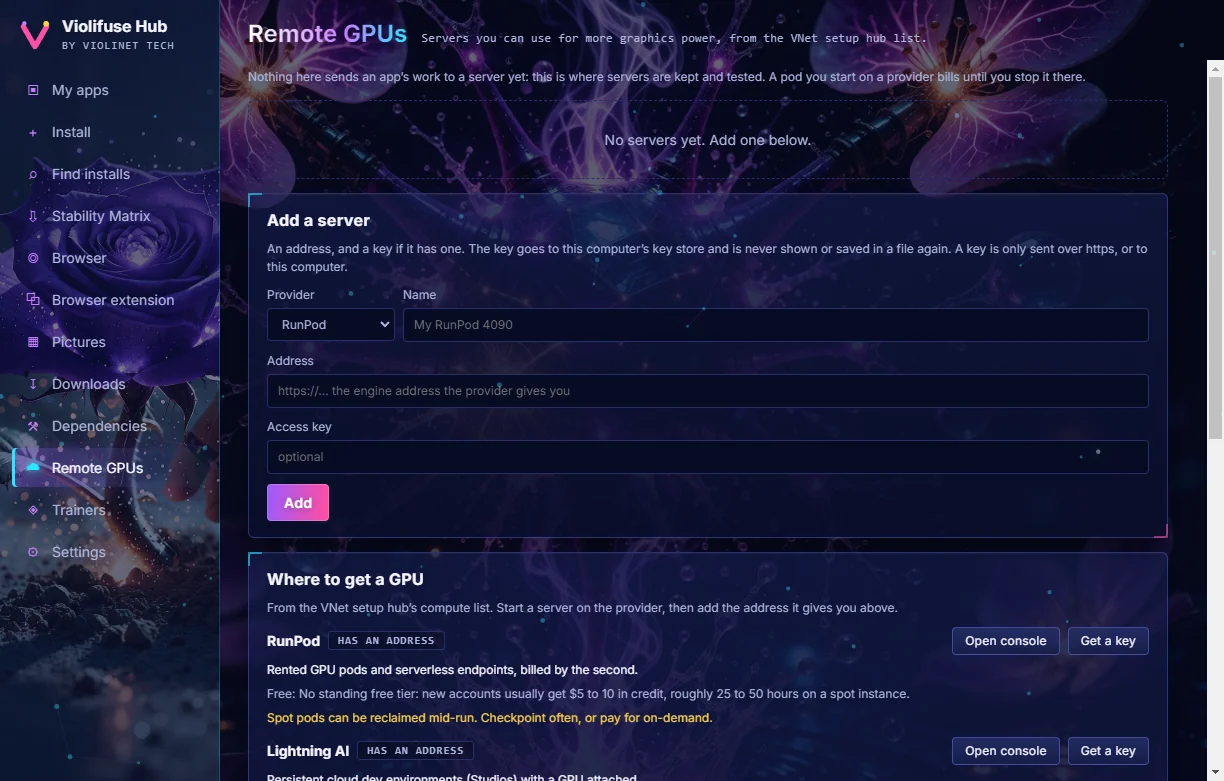
- Remote GPUs: servers kept in one list, keys held in the system key store
In development. ComfyUI is marked ready and the other apps are listed as not tested yet. Not yet run on Linux or on a clean machine, and nothing sends an app's work to a remote server yet.
More apps
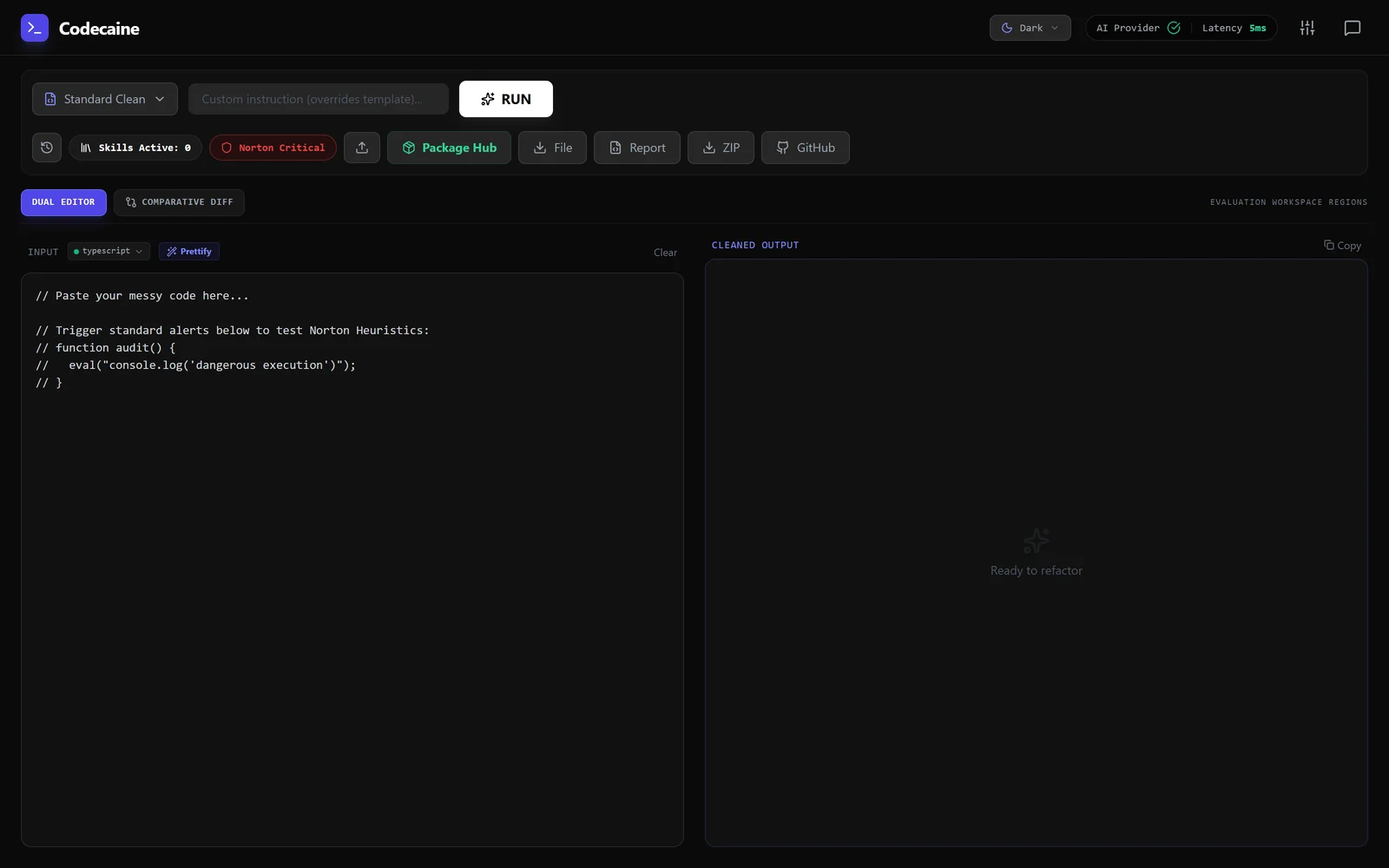 A code reviewer that argues with itself before it touches your code.CCO Studio
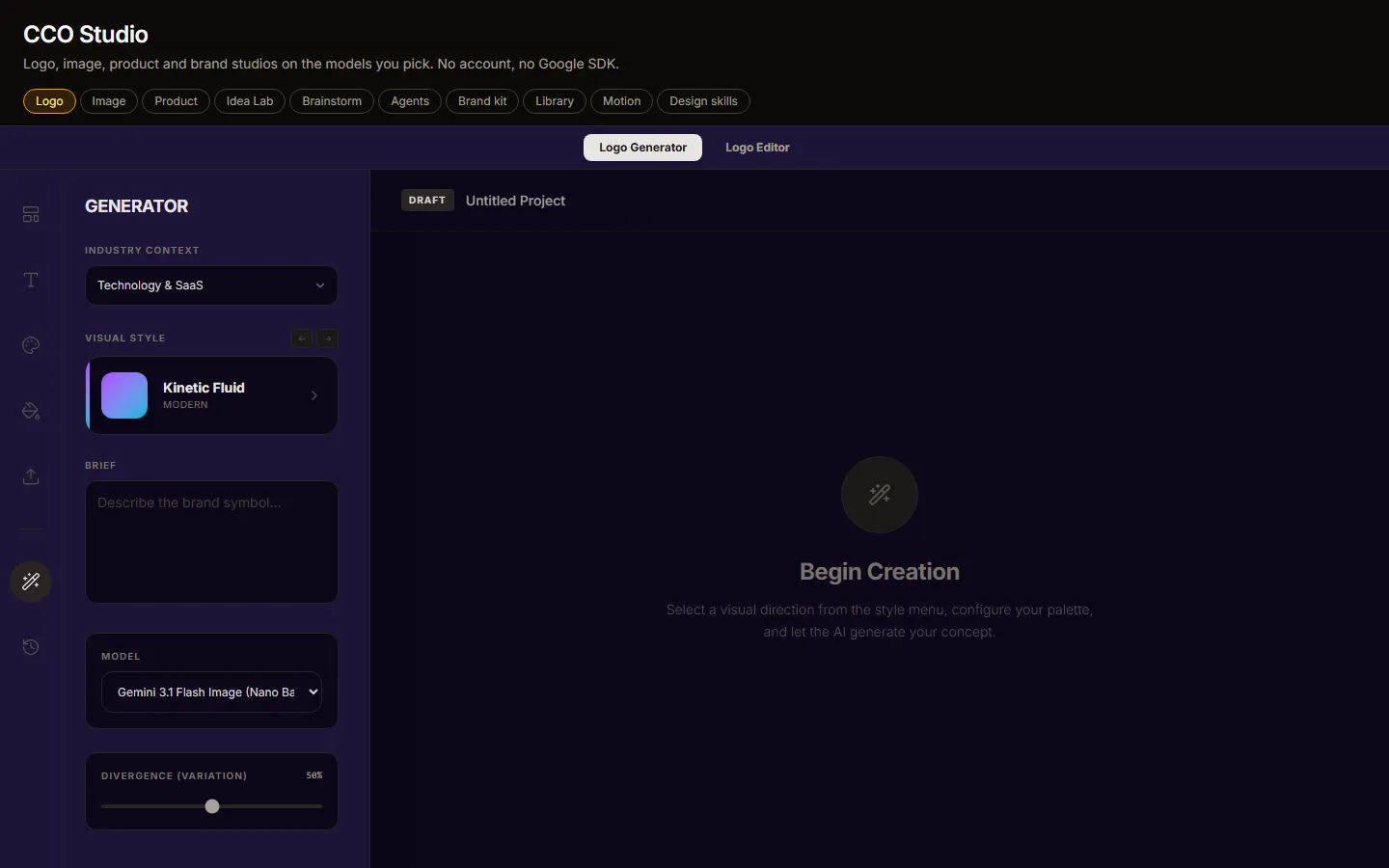 A creative department in one window.PortrAIt StudioNo screenshot yetA neural darkroom: re-render camera angles in 3D, then develop the print.ComfyRAM Manager
 Frees the memory ComfyUI is still holding, before the next run fails.bashme
 Holds what an agent wants to run until a person agrees.Violet PairNo screenshot yetSend a generation job to whichever GPU in the house is free.Solar Violet Nodes
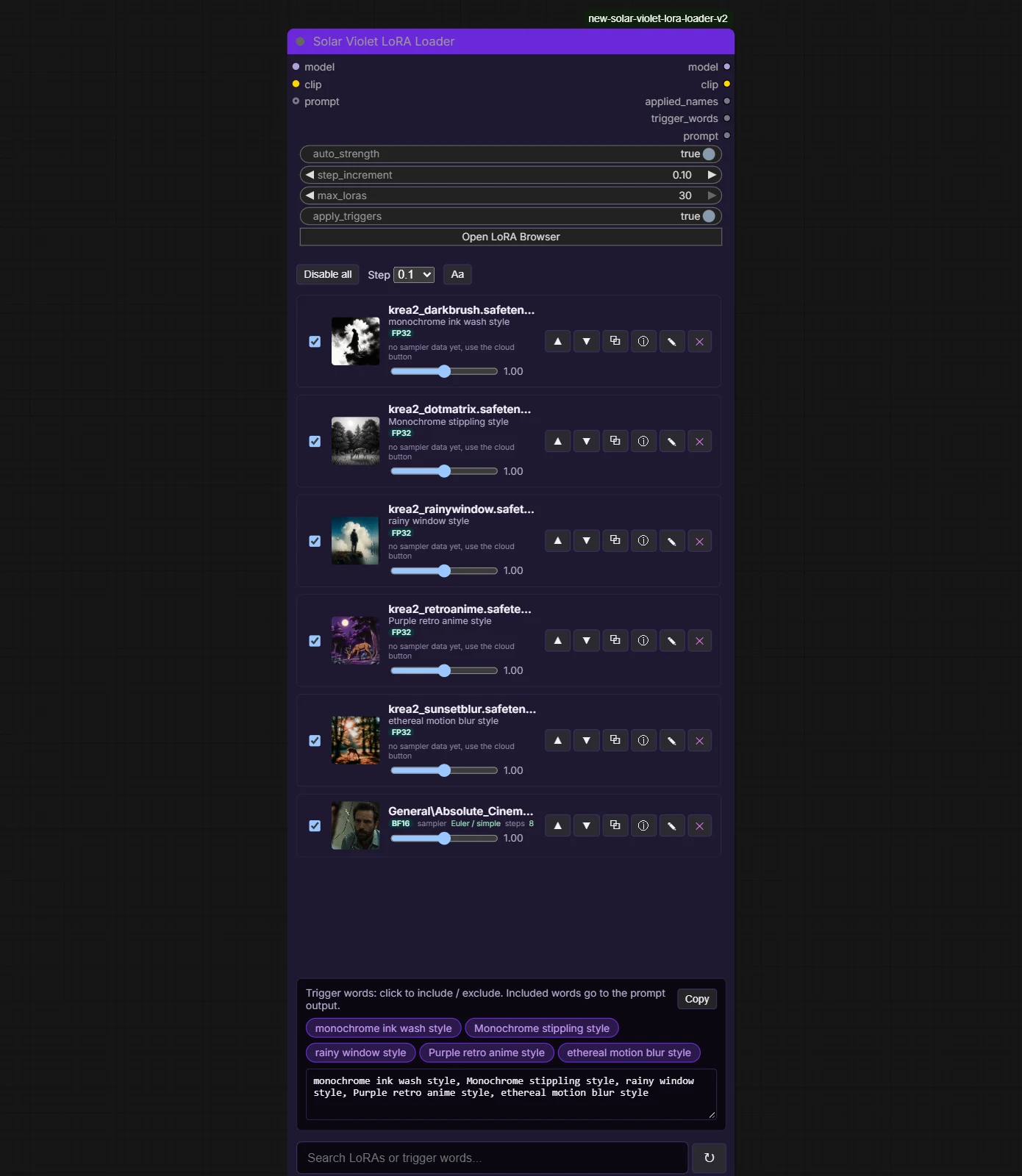 Typed loaders, a LoRA loader that scrolls and grows with your stack, and model browsers that find duplicates in every ComfyUI folder.Violet Wildcards
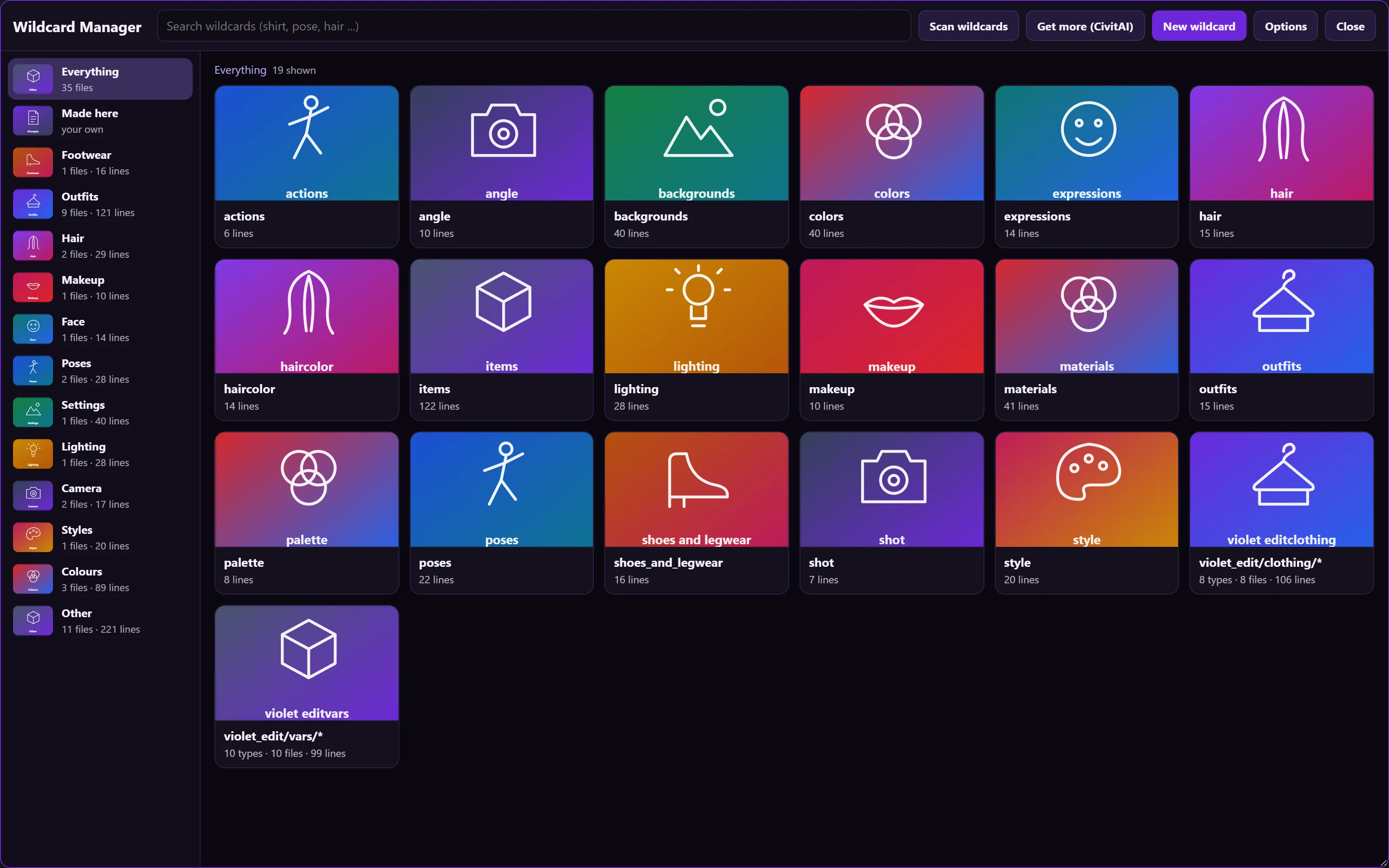 Find, write, test and use the word lists your prompts draw from. 35 word lists, ten picker slots.QuantaViolet
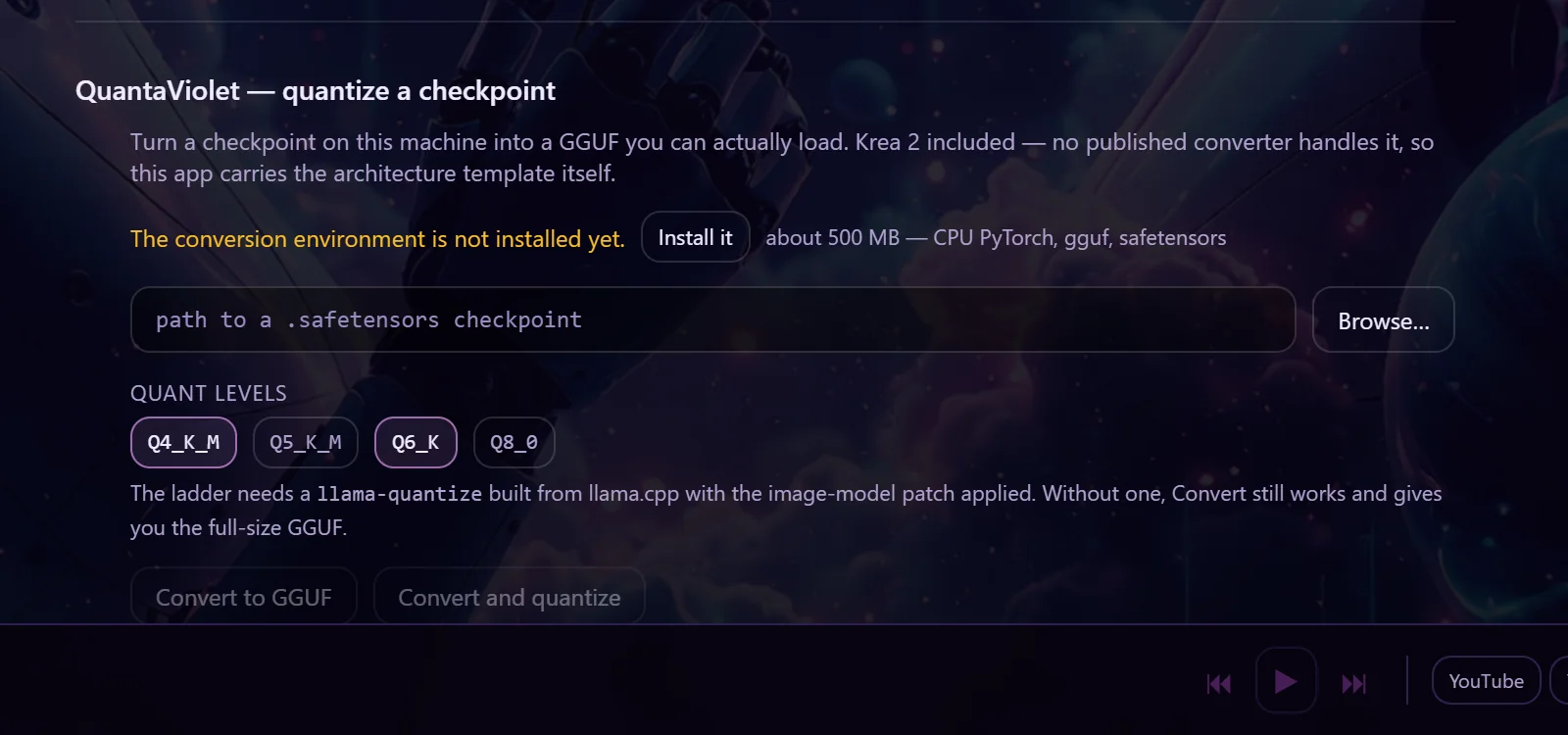 Turn a checkpoint into a GGUF you can load. Krea 2 included.Violet VaultNo screenshot yetSign in once. See what you own, what you can get and what is coming.Violet AssistantNo screenshot yetAsk why a workflow fails, what a node does, or where a model file belongs.VIOLYNKNo screenshot yetSend files, share the clipboard, show a screen, move one mouse across them.File SDM
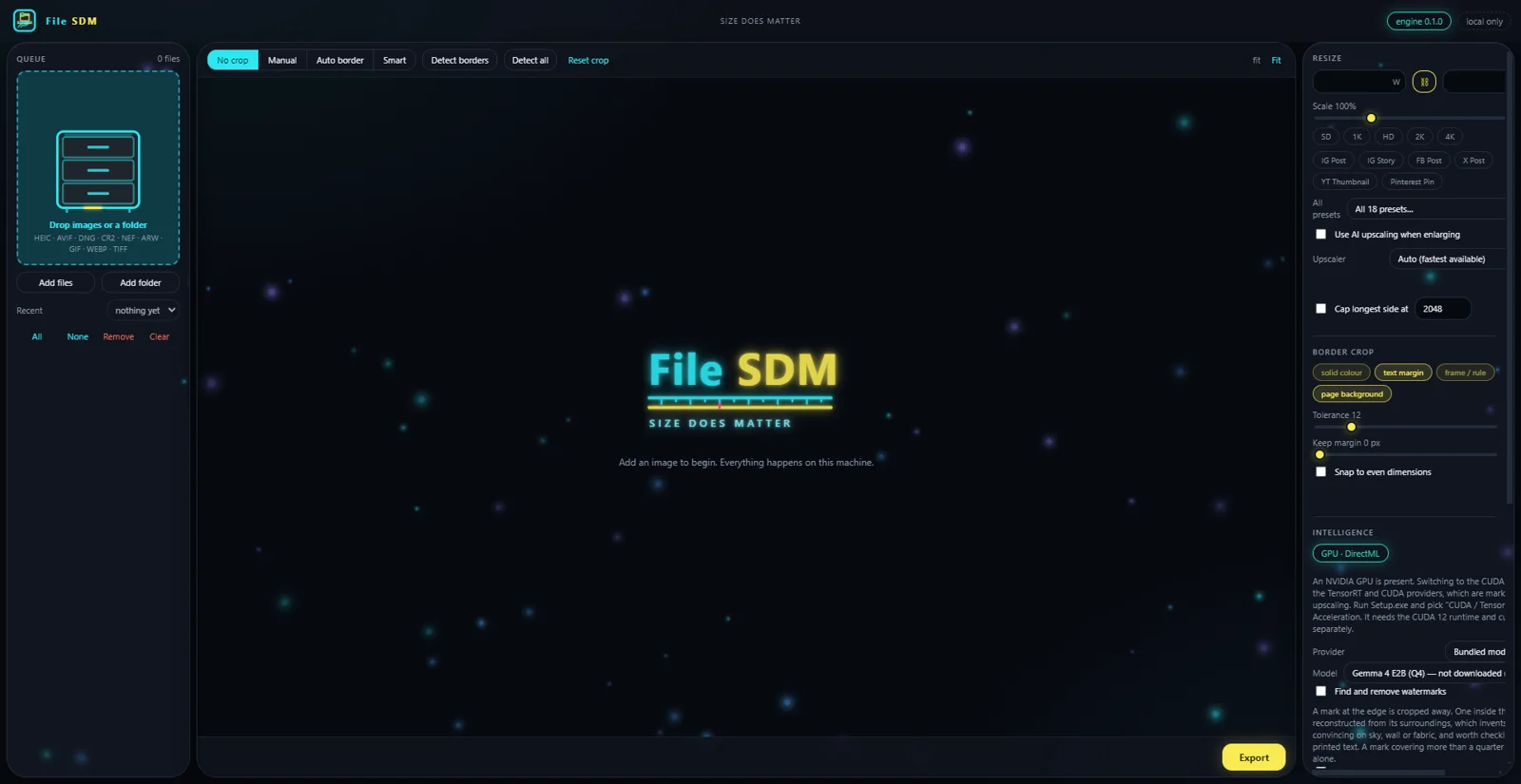 Size does matter. Resize, convert and crop a folder of images without any of them leaving the machine.Violet Rescue
 Fixes a Windows PC that won't start, with big buttons instead of commands.ArtPi6
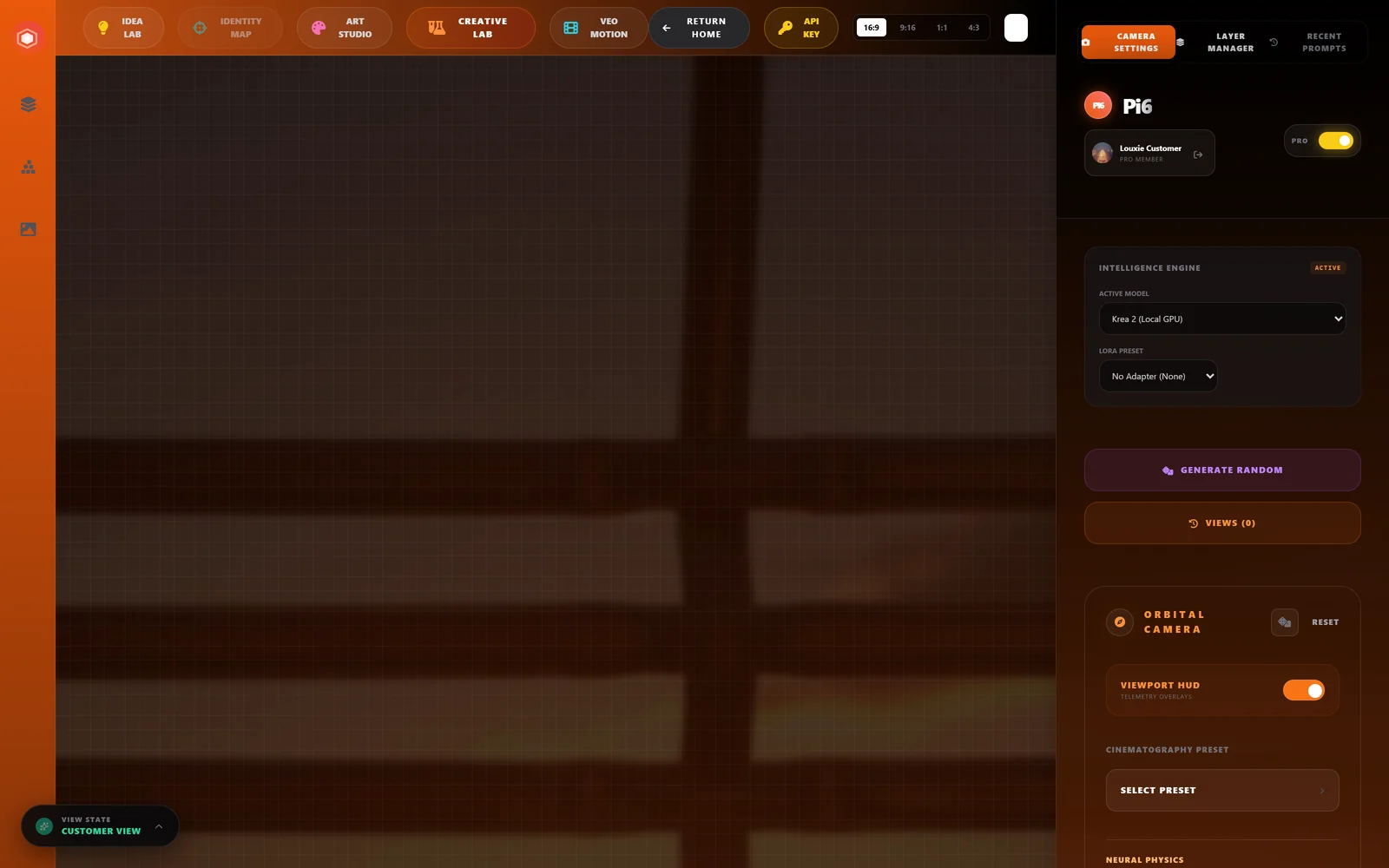 Angles, art styles, depth-map canvas, and an idea lab — one workspace, any model you have.GenFix
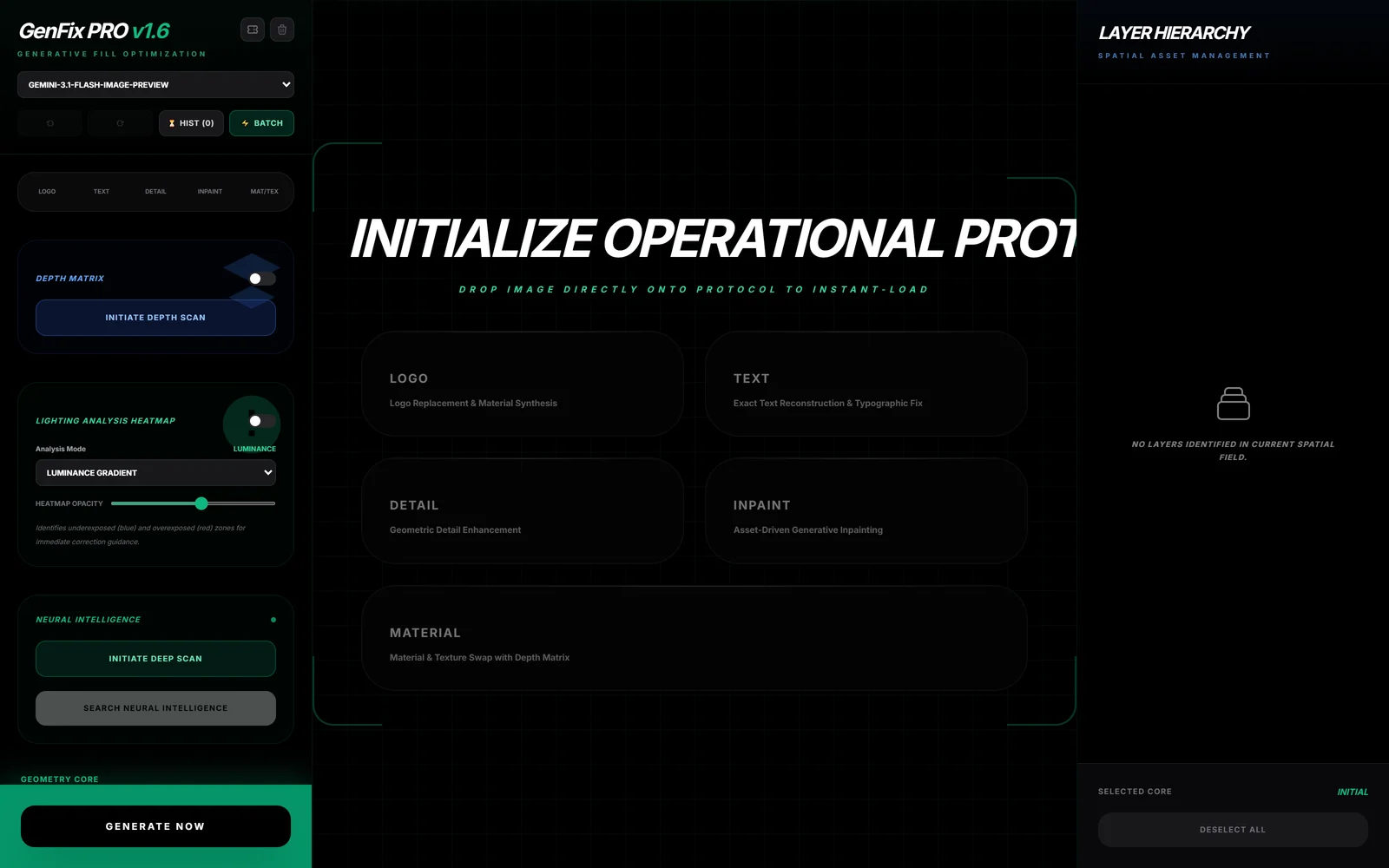 High-fidelity text reconstruction, logo replacement and pattern synthesis.LoumiNova AI
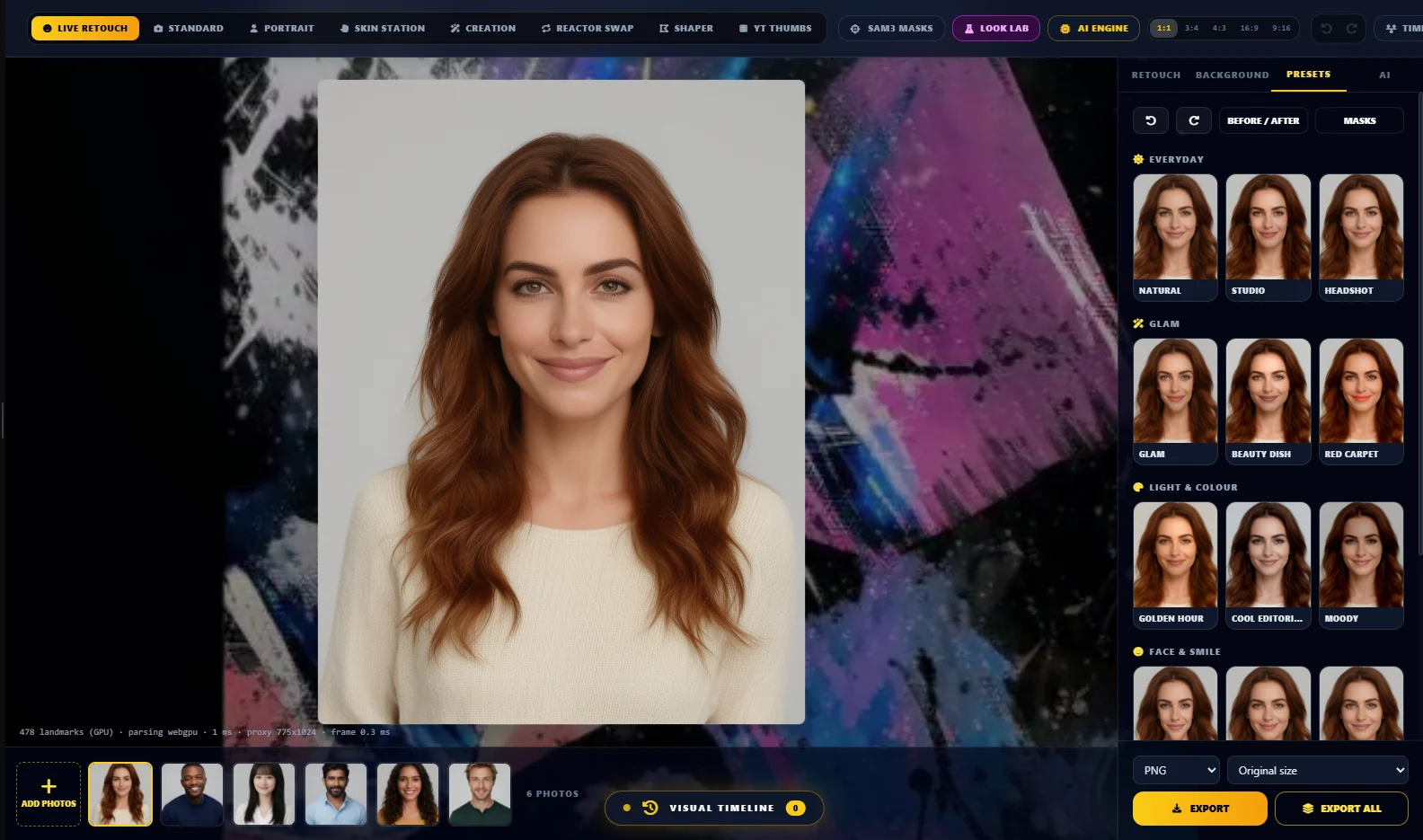 Retouch portraits live on your own machine, then apply the look to the whole shoot.Idea Lab
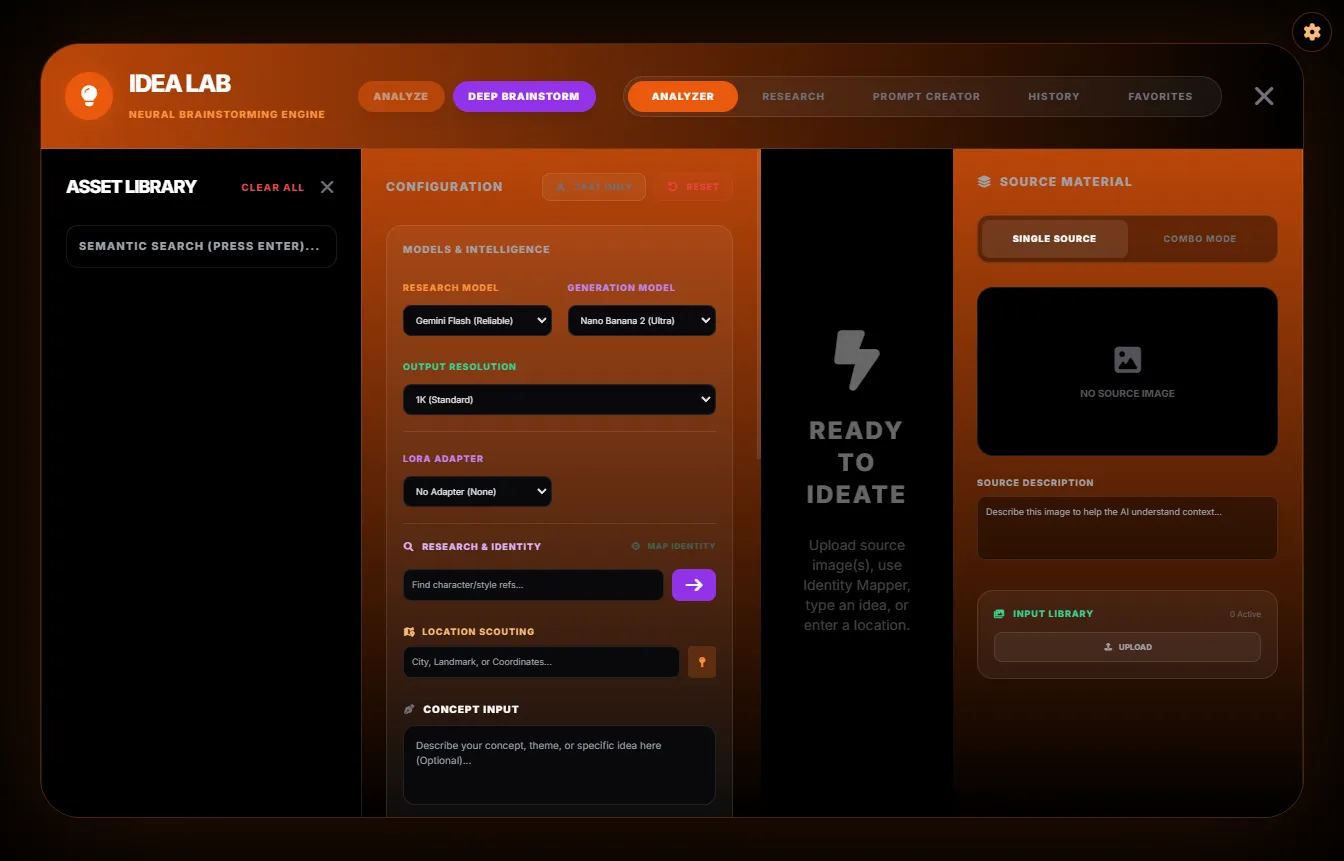 Turn a picture, a pile of references or a half-idea into prompts that work.XenoViolet
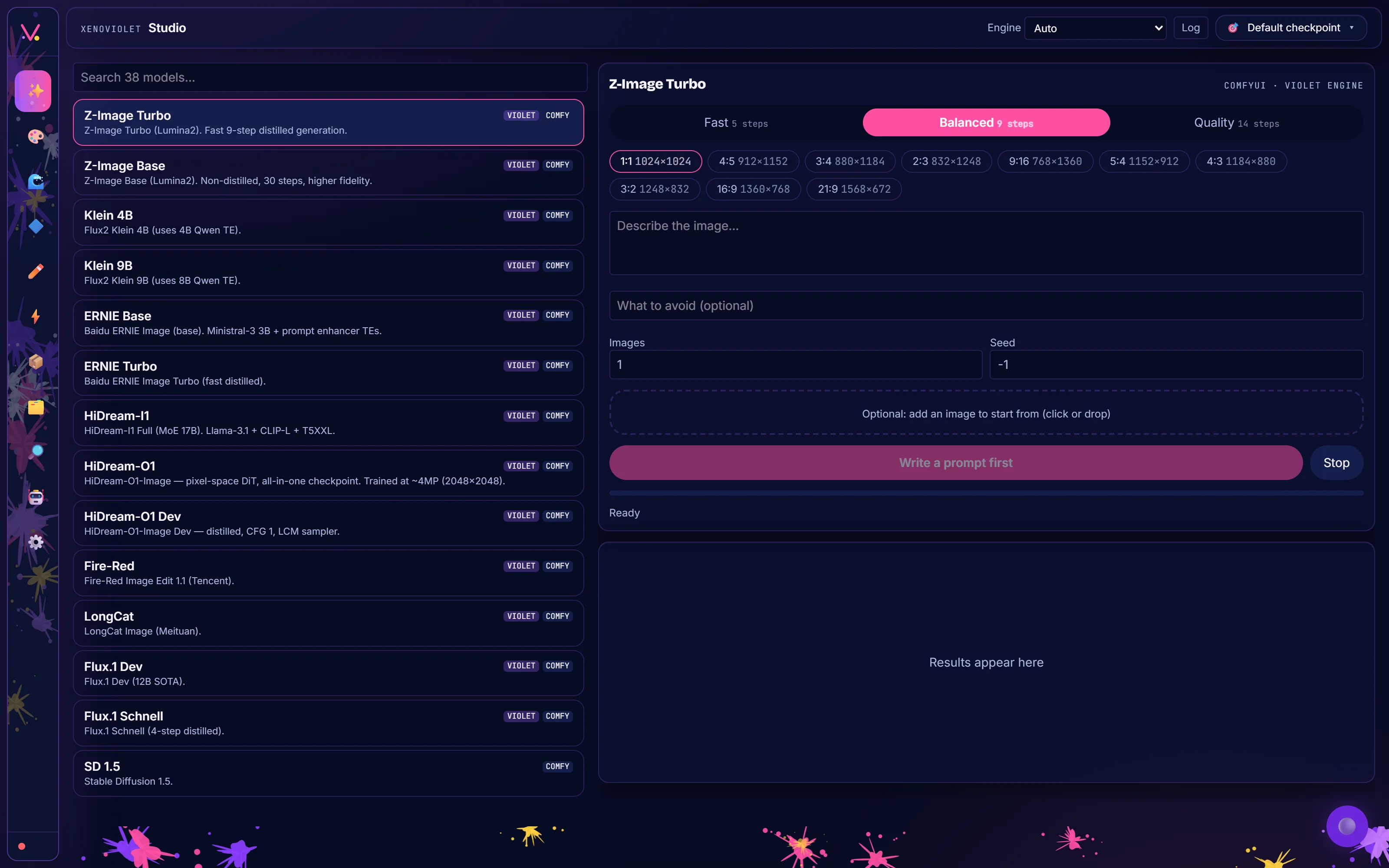 One image app: ComfyUI when you want nodes, the Violet Engine when you do not.CivitAI BrowserNo screenshot yetOne model browser that looks and works the same in every VIOLINET app.Plugin Marketplace
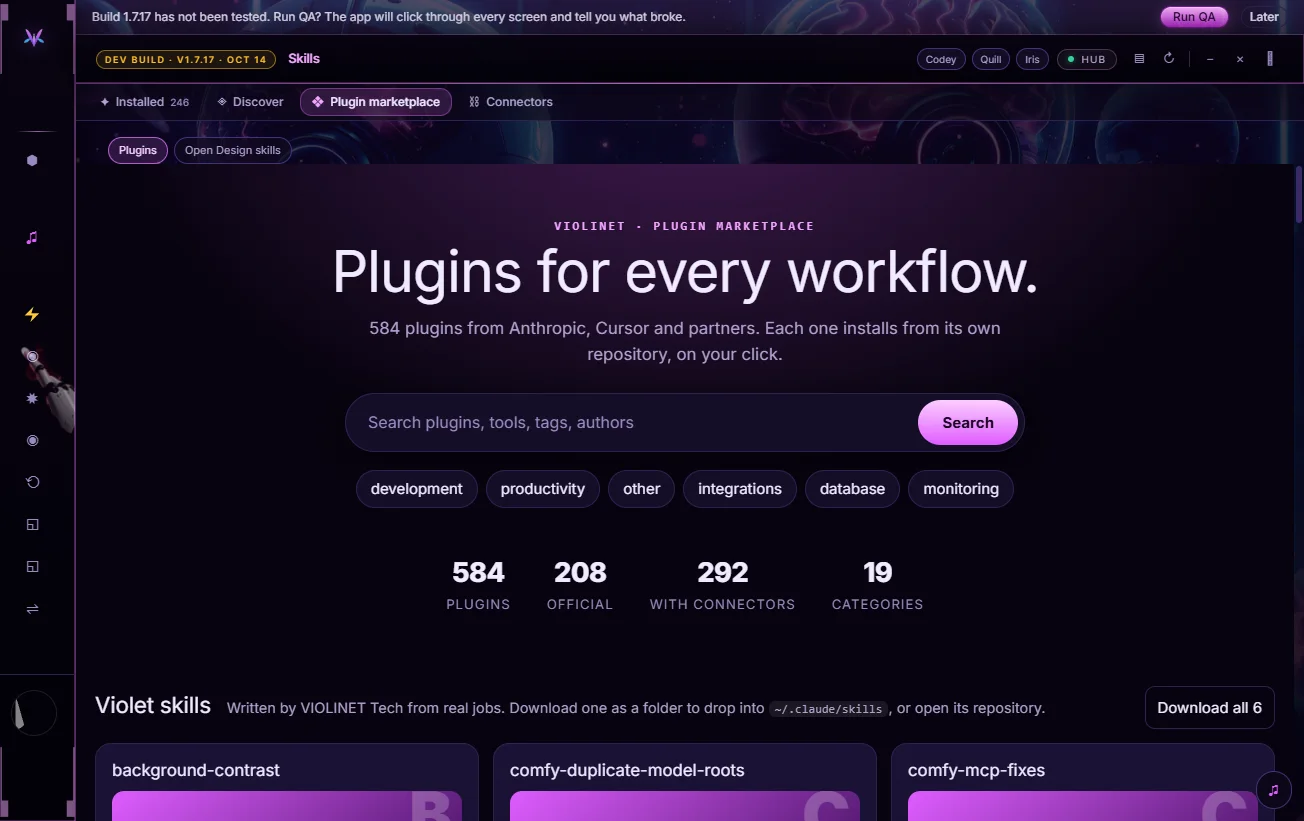 Plugins and skills for every workflow, one click from VIOLINET OS.SVIG
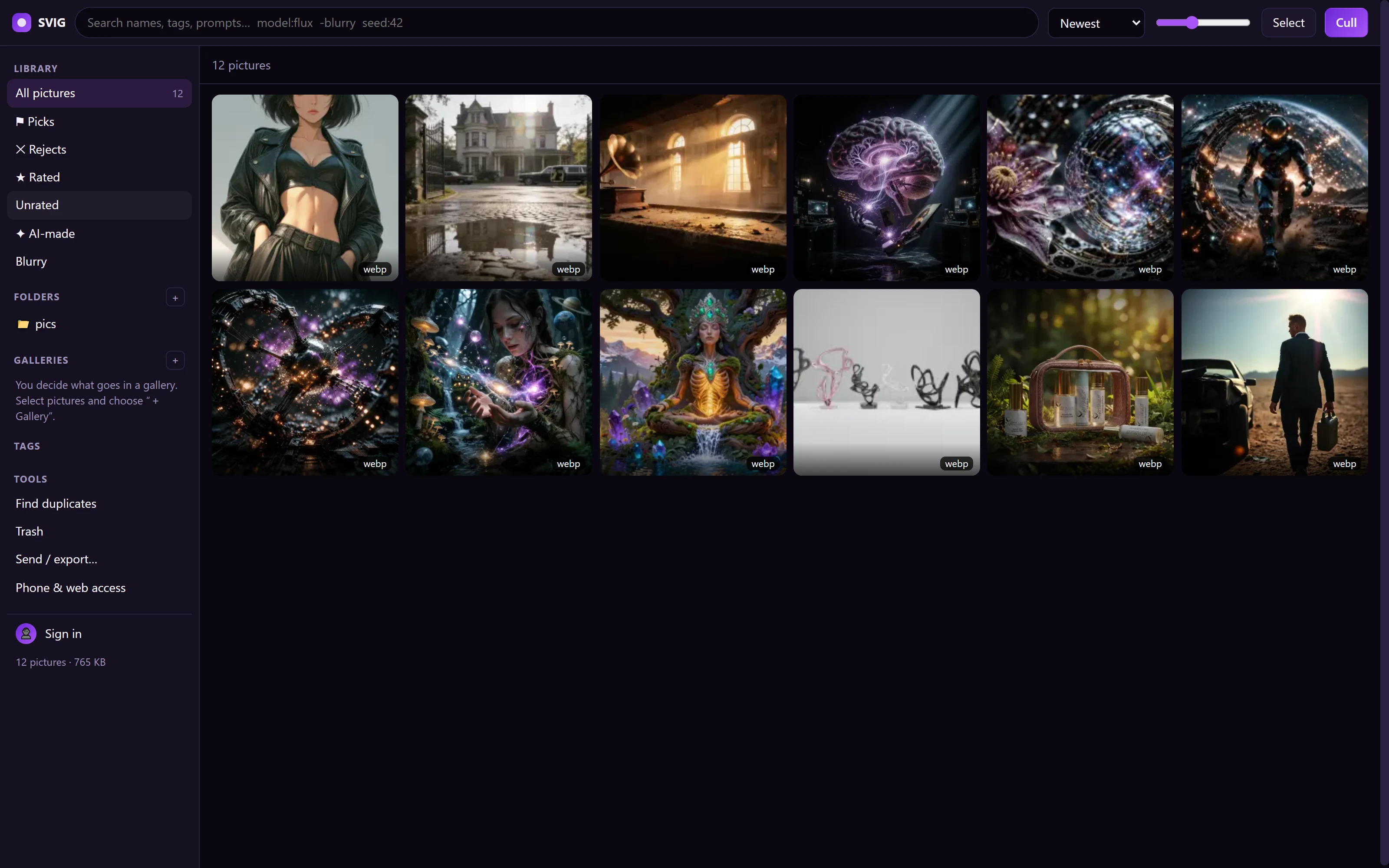 Sort, crop and rename a whole folder of pictures, on your own computer.Violineer
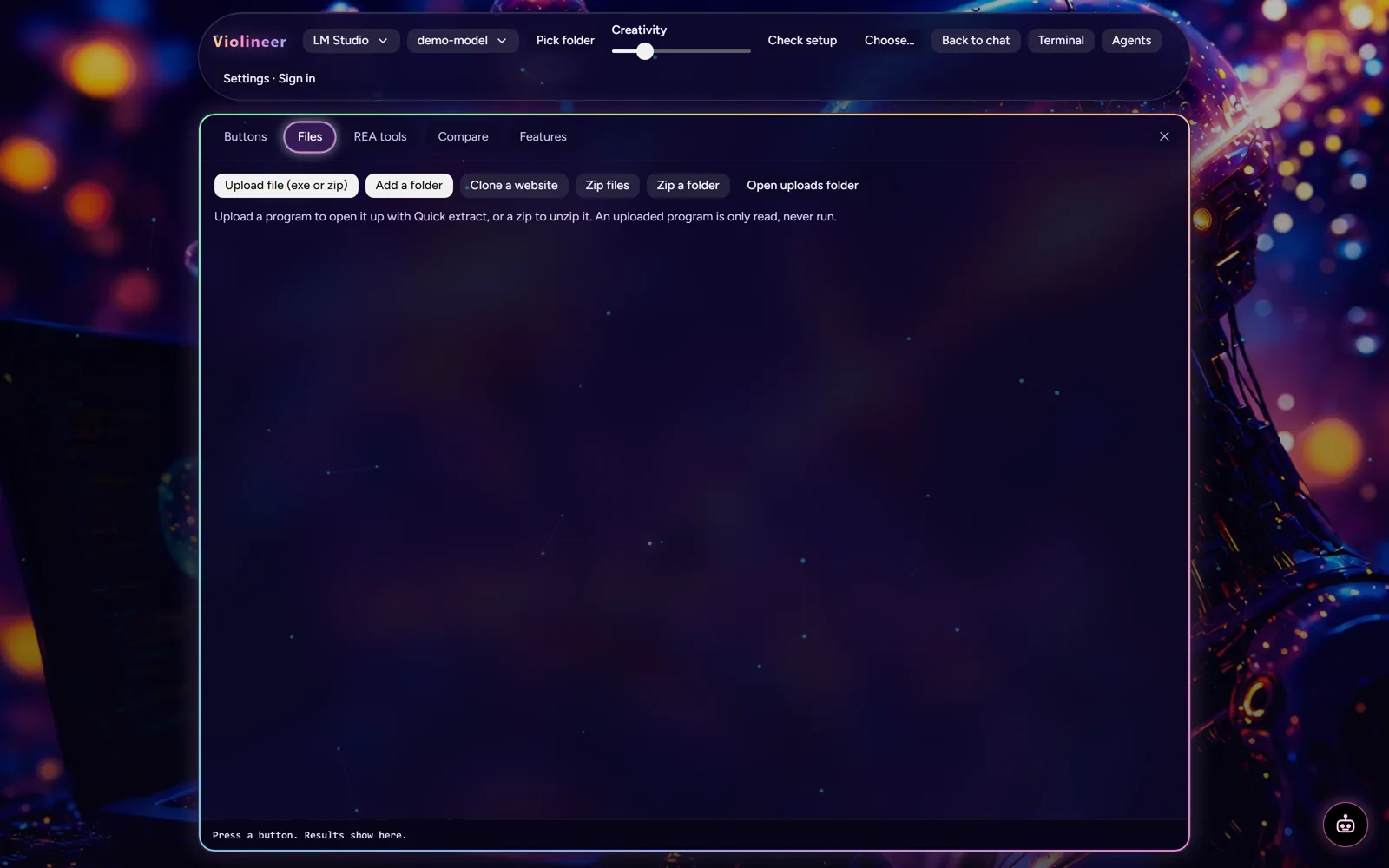 A code agent for your desktop that can also take a program apart and show you how it works.